
Augmented Reality is a technology that overlays digital content onto the physical world in real time. You see your actual surroundings with computer-generated images, text or 3D objects layered on top, displayed through a phone, tablet or wearable device.
This guide covers how AR works, the different types of AR experiences, the hardware and software that power them and where the technology is headed.
What is Augmented Reality
Augmented Reality (AR) adds digital items like 3D objects, text or images onto the real world using a device screen. You stay in your physical surroundings while computer-generated content appears layered on top of what you already see. Think of pointing your phone at your living room and watching a virtual couch appear right where your actual floor is.
AR differs from Virtual Reality because VR puts you inside a completely simulated space. With AR, you never lose sight of the real world. The digital content simply sits on top of it, anchored to surfaces, objects or locations around you.
- Digital overlay: Computer-generated content appears on top of your real-world view
- Real-time response: Digital elements react to your movements and the physical environment
- Device-dependent: AR requires a camera, display and processor working together
How Augmented Reality works
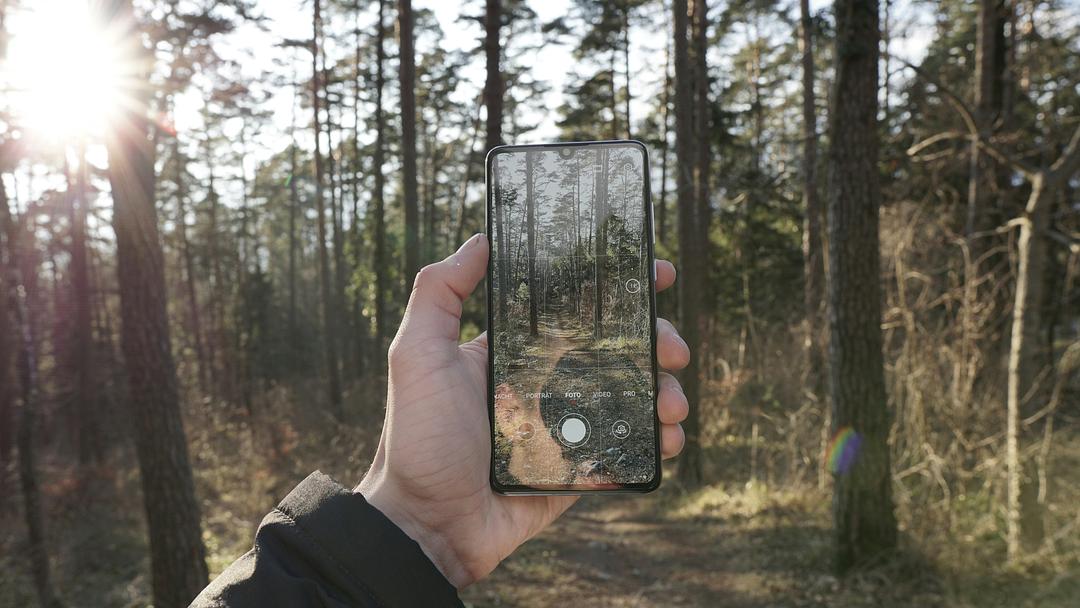
AR works by combining sensor data, computer vision and display technology to place digital content precisely within your view of the physical world. The whole process happens in milliseconds, which is why virtual objects appear stable rather than shaky.
Here's the sequence. First, cameras and depth sensors (like LiDAR or time-of-flight sensors) scan your surroundings. Then software processes that data to identify surfaces, edges and objects. After that, the processor calculates exactly where to position digital content so it aligns with real-world geometry. Finally, the display renders the combined view.
| Component | What it does |
|---|---|
| Sensors and cameras | Capture depth, position and environmental data |
| Processing | Identify surfaces and calculate content placement |
| Display | Show the merged real and digital view |
| Input | Touch, gaze, gesture or voice triggers interaction |
The history of Augmented Reality
The term "Augmented Reality" was coined in 1990 by Tom Caudell, a Boeing researcher who used head-mounted displays to help workers assemble aircraft wiring. The underlying concepts, though, go back further.
In 1968, computer scientist Ivan Sutherland built what many consider the first head-mounted display system. It was so heavy it required ceiling-mounted support. Industrial AR applications followed in aerospace and automotive manufacturing during the 1990s.
Consumer adoption came much later. Smartphone AR apps gained traction in the 2010s after Apple released ARKit and Google released ARCore, giving developers the tools to build AR experiences for millions of existing devices.
Types of Augmented Reality
AR experiences differ based on how they anchor digital content to the physical world. The anchoring method determines where AR works well and where it struggles.
Marker-based AR
Marker-based AR triggers when the camera recognizes a specific visual target. A marker is a predefined image, QR code or printed pattern that the software has been trained to detect.
This approach works reliably in controlled environments where you can guarantee the marker will be present. Product packaging, museum exhibits and printed training materials often use marker-based AR because the trigger image is always available.
Markerless AR
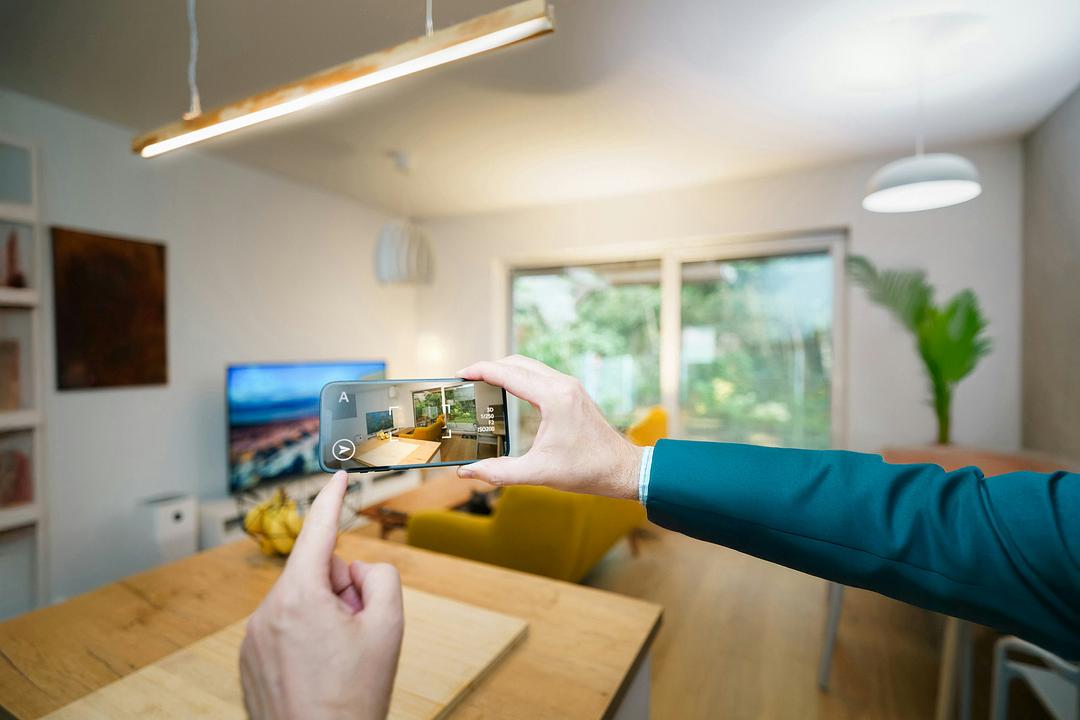
Markerless AR places content on detected surfaces without requiring a predefined image. The underlying technique, called SLAM (Simultaneous Localization and Mapping), builds a map of the environment in real time while tracking the device's position within it.
Furniture visualization apps use markerless AR. You point your phone at your floor, the software detects the horizontal plane and then anchors a 3D model of a sofa right there.
Location-based AR
Location-based AR ties digital content to GPS coordinates or known landmarks. Navigation apps that project turn-by-turn arrows onto your windshield use this approach. So do tourism apps that overlay historical information when you point your phone at a monument.
Accuracy depends on GPS signal quality, which can vary in dense urban areas or indoors.
Projection-based AR
Projection-based AR casts light directly onto physical surfaces rather than displaying content on a screen. Industrial assembly lines use projection AR to highlight where a worker should place the next component. Retail displays and art installations also use this method.
WebAR
WebAR runs in a mobile browser without requiring a downloaded app. A user taps a link, grants camera access and sees AR content immediately.
The trade-off is capability. WebAR has access to fewer device features than a native app, so complex interactions or persistent content may not work. Still, the lower friction makes WebAR popular for marketing campaigns and product previews.
Augmented Reality vs Virtual Reality vs Mixed Reality
AR overlays digital content on the real world. Virtual Reality (VR) replaces the real world with a simulated one. Mixed Reality (MR) blends both so digital and physical objects can interact with each other.
| Aspect | Augmented Reality | Virtual Reality | Mixed Reality |
|---|---|---|---|
| View of physical world | Visible | Blocked | Visible |
| Digital content | Overlaid | Fully immersive | Anchored and interactive |
| Typical hardware | Phone, tablet, AR glasses | VR headset | MR headset |
| Common use cases | Navigation, retail, training overlays | Gaming, simulation, virtual tours | Remote collaboration, design review |
You may also encounter the term Spatial Computing, which is an umbrella label sometimes used to describe the convergence of AR, VR and MR.
Augmented Reality hardware
AR runs on three main hardware categories, each with different trade-offs for field of view, portability and price. The companies that build AR devices range from established electronics makers to specialized startups.
Smartphones and tablets
Mobile devices are the most accessible AR platform. They already have cameras, sensors and app stores, so users can try AR without buying new hardware. The limitation is that you hold the device in front of you, which can feel awkward for extended use.
AR headsets
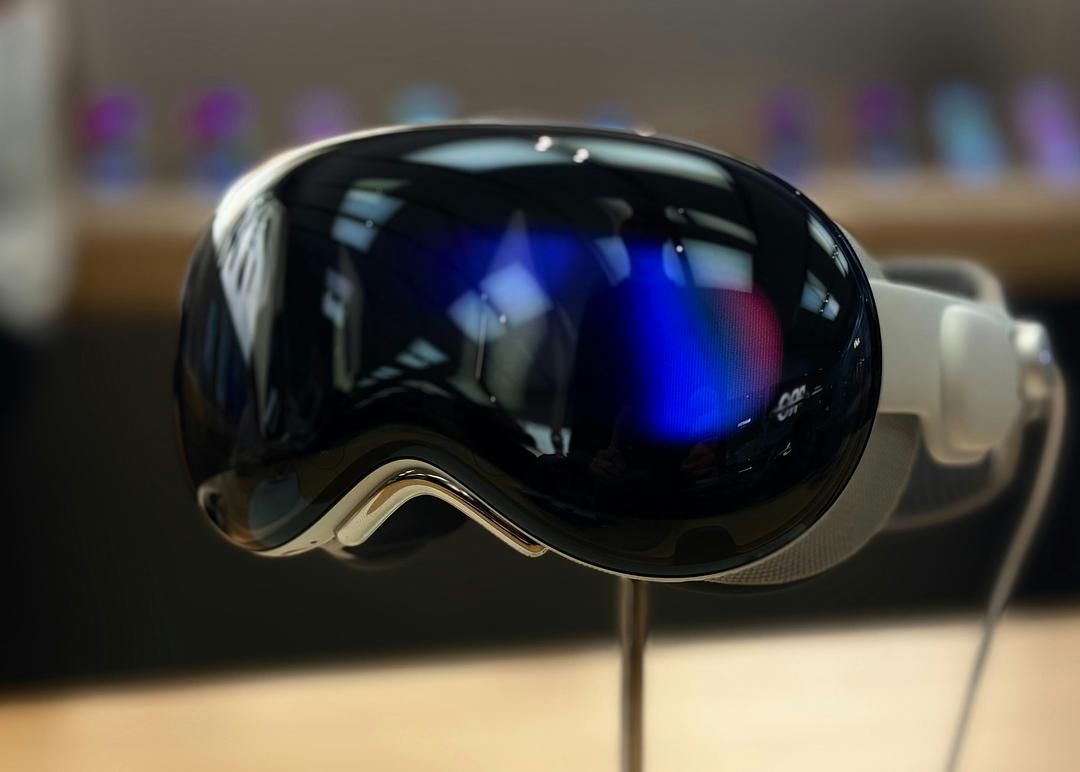
AR headsets are head-worn displays that project content into your field of view while leaving the real world visible. Microsoft HoloLens and Magic Leap are examples. These devices typically cost more and are used in enterprise settings for tasks like remote assistance and design review. For current specs, see the AR headsets directory.
Smart Glasses
Smart Glasses are lighter wearables designed for extended daily use. Some, like Ray-Ban Meta, focus on notifications, audio and camera capture with limited or no spatial display. Others, like Xreal, offer a larger display for media consumption. Browse the full Smart Glasses directory to compare models.
The line between Smart Glasses and AR headsets continues to blur as hardware improves. BestInXR tracks the two categories separately, in a reference on glasses with a camera and an assistant but no display and one on display glasses that put a screen in front of your eyes.
Augmented Reality platforms and software
AR development relies on platform SDKs, browser-based frameworks and enterprise content tools.
Development platforms and SDKs
An SDK (Software Development Kit) provides the code libraries and tools developers use to build AR features. Major platforms include ARKit (Apple), ARCore (Google), Vuforia and Niantic Lightship. Each SDK defines which devices and operating systems are supported.
WebAR frameworks
WebAR frameworks let developers build browser-based AR without native app development. 8th Wall, Zappar and AR.js are common choices. WebAR frameworks trade feature depth for easier distribution, since users access AR through a link rather than an app store download.
Enterprise content software
Enterprise platforms handle authoring, managing and deploying AR content at scale. PTC Vuforia and Teamcenter are used for training, remote assistance and product visualization in manufacturing and field service, and Dynamics 365 Guides serves the same role through December 31, 2026, when Microsoft ends support for it.
Augmented Reality applications by industry
AR is deployed across retail, manufacturing, healthcare, education and marketing, each with distinct use cases.
Retail and e-commerce
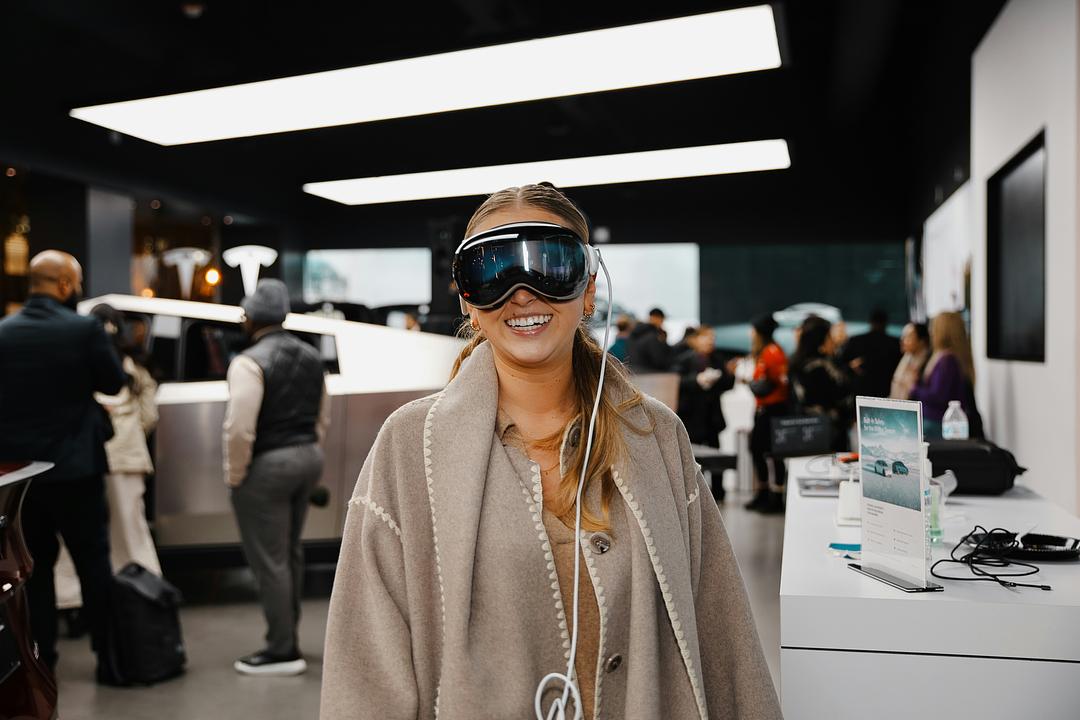
Virtual try-on lets shoppers see how glasses, makeup or clothing might look before purchasing. Furniture visualization apps place a 3D model of a couch in your living room. Both applications help set accurate expectations before a purchase.
Manufacturing and field service

Step-by-step assembly overlays guide workers through complex procedures. Remote expert guidance lets a field technician share their view with an off-site specialist who can annotate the live feed. Maintenance instructions anchored to equipment reduce errors and training time.
Healthcare
Surgeons use AR overlays for planning procedures. Nurses use vein visualization to locate veins for IV placement. Patients view 3D anatomy models to better understand diagnoses.
Education and training
Interactive 3D models make abstract concepts tangible. Procedural training for equipment operation becomes safer when learners practice on virtual overlays before touching real machinery.
Marketing and entertainment
AR filters on social platforms let users add effects to selfies. Product launches use interactive packaging to engage customers. Location-based games like Pokémon Go brought AR to a mainstream audience.
Limitations and challenges of Augmented Reality
AR adoption is slowed by hardware constraints, content costs and user experience gaps.
- Field of view: Most AR headsets and glasses display content in a narrow portion of the user's vision
- Battery life: Always-on cameras and processing drain mobile and wearable batteries quickly
- Content creation cost: 3D modeling, environment scanning and SDK integration require specialized skills
- Privacy concerns: Always-on cameras raise questions about recording consent in public and workplace settings
The future of Augmented Reality
AR is converging with AI, cloud computing and lighter hardware toward broader everyday use. AI-driven object recognition enables real-time translation and contextual information overlays. Cloud-rendered AR offloads processing from the device, potentially enabling richer experiences on lighter hardware.
Smart Glasses are approaching the form factor of regular eyewear. Meanwhile, persistent AR content anchored to real-world locations (sometimes called the AR cloud) could eventually let digital annotations remain in place for anyone to see.
Where to track the Augmented Reality industry
Keeping pace with AR requires a source that documents hardware specs, software platforms and developers in one place. BestInXR maintains a directory of the XR Industry organized into Developers, Manufacturers, Platforms, Software, Headsets and Smart Glasses. Entries carry sourced, dated specifications rather than marketing copy, following a transparent methodology for how listings are sourced and dated.
Related reading. AR and VR in retail covers the commerce side of this in depth, XR in healthcare covers the clinical side and the Smart Glasses business guide covers what companies are actually deploying on the head.
Explore the BestInXR directory
Frequently Asked Questions (FAQ)
Is Augmented Reality the same as Spatial Computing?
Spatial Computing is a broader term that includes AR, VR and MR. AR is one component of Spatial Computing, focused specifically on overlaying digital content onto the physical world.
What is the difference between AR glasses and Smart Glasses?
AR glasses project interactive 3D content into the wearer's field of view for spatial tasks. Smart Glasses prioritize notifications, audio and camera capture in a lighter form factor, with limited or no spatial display.
Does Augmented Reality require an internet connection?
Some AR experiences run entirely on-device after the initial download. Others require a connection to stream 3D assets, access cloud processing or enable real-time collaboration.
Which industries adopted Augmented Reality first?
Aerospace and automotive manufacturing used AR for assembly guidance and maintenance in the 1990s. Consumer adoption followed with smartphone AR apps in the 2010s.