Best AR Remote Assistance Companies and Software
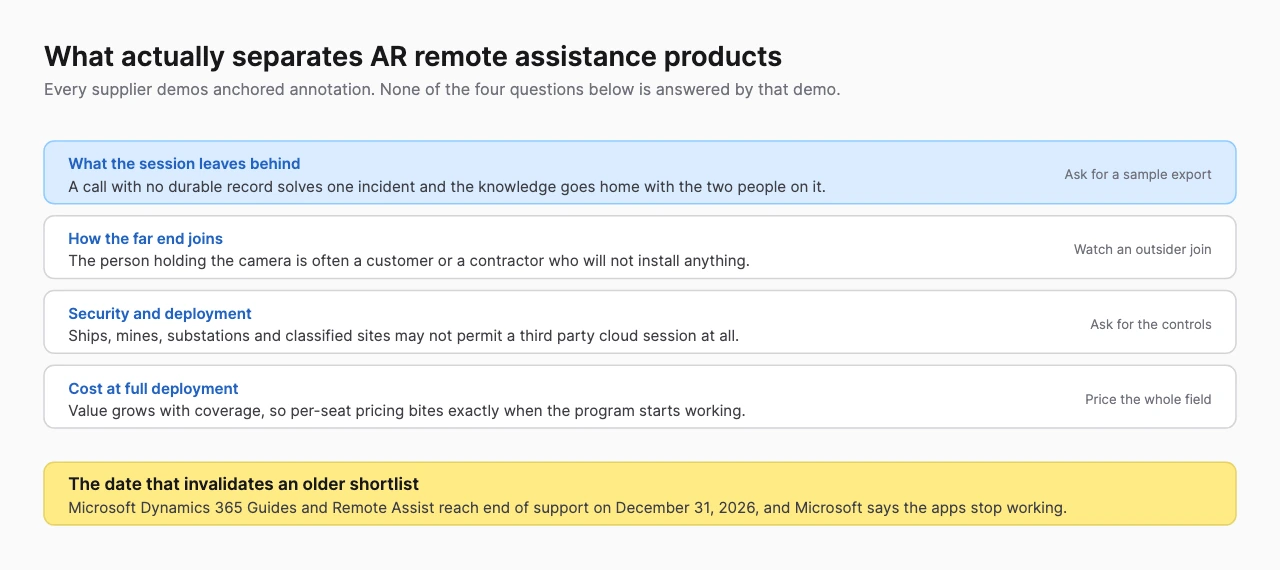
Every product in this category does the same demo. A technician points a phone at a machine, a remote expert draws an arrow on the screen, the arrow sticks to the equipment. Annotation is table stakes and it is not what separates these suppliers. What separates them is what the call leaves behind, how the far end joins and whether the security model survives your review.
In short:
- The record is the product. A call that ends with nothing written down solves one incident. Help Lightning keeps the session, the photos and the procedure together so the next person is not inventing the fix again.
- The hard part is the person holding the camera. They are often a customer or a contractor. XMReality sends a link that opens on a phone with no download, no app and no signup.
- A widely listed option is being switched off. Microsoft Dynamics 365 Remote Assist reaches end of support on December 31, 2026, and Microsoft says the apps will stop working.
- This is not the same purchase as guided work instructions. Remote assistance solves scarce expertise one incident at a time. A procedure library solves inconsistent execution at scale.
How this list was built
AR remote assistance is software that opens a live video session between a person in front of equipment and an expert somewhere else, where the expert can annotate the shared view and the annotation stays anchored to the object rather than sliding off with the camera. It is sold to field service, manufacturing, maintenance and contact center teams.
This list ranks three suppliers on four criteria: what the session leaves behind as a durable record, how the far end joins and on what hardware, what the supplier publishes about security and deployment and what the buyer owns or can integrate at the end. Annotation tooling is not a ranking factor, because all four do it and no buyer has ever been let down by the arrows.
| Company | Base | What the call leaves behind | Best for |
|---|---|---|---|
| Help Lightning | Birmingham, Alabama | Threads and reusable procedures | Teams that want the call to become a record |
| Librestream | Winnipeg, Canada | Onsight NOW knowledge capture | Aerospace, defense and heavy industry |
| XMReality | Sweden | Call report, recording and AI transcript | Supporting customers and contractors |
1. Help Lightning
Help Lightning is ranked first because it publishes the thing this category almost never publishes, which is what customers got out of it, with names attached.
It reports that in 2025 Penske's remote estimating team completed 1,825 collision estimates through the product and attributed more than $9 million in realized revenue to that work. It reports Ecolab using it for remote inspection and repair with about 22% dispatch avoidance and first-time fix rates as high as 81%. Those are company-published figures rather than audited ones, and they are still far more than a buyer usually gets to check.
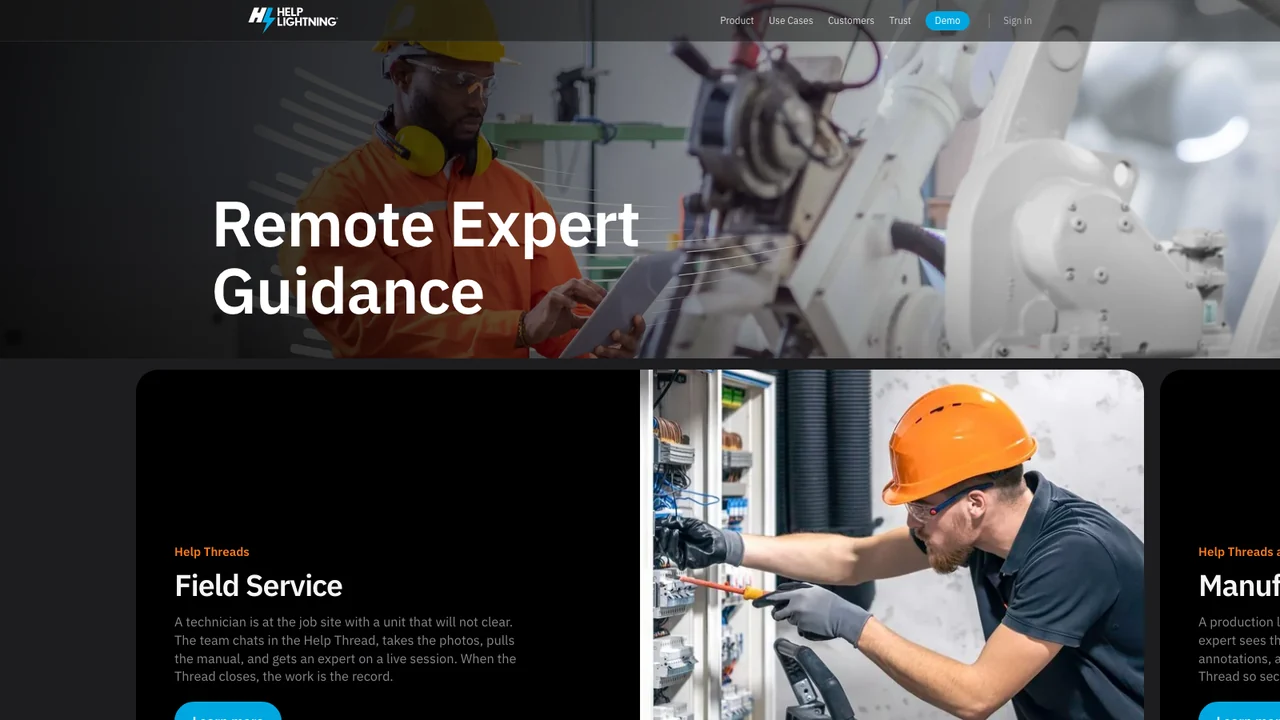
The product design follows the same idea. Work is organized into what it calls Help Threads, where the chat, the photos, the manual and the live session sit together, and the company describes the outcome plainly: when the Thread closes, the work is the record. Alongside that it ships Procedures, so a fix that worked once becomes steps the next person runs with proof rather than a problem solved from scratch on second shift.
The third piece is the contact center path. An agent already on a phone call sends a link, the caller taps it, the live view opens and the voice call stays up. It names PepsiCo and Vivint contact center teams as doing exactly that. Best for service organizations that want each call to leave a reusable asset rather than a closed ticket.
2. Librestream
Librestream is the incumbent in the heaviest and most regulated end of this category, and its published customer list is the argument: Pratt & Whitney, Raytheon Technologies, Safran, Volvo Trucks, Renault Trucks, NOV, SGS, Norwegian Hull Club, ManTech and Tesco. That is an aerospace and defense base, and organizations in it do not adopt a video product casually.
Security is published rather than asserted. The company states that Onsight NOW runs in Microsoft Azure and Amazon Web Services data centers, that a dedicated Information Security Group performs weekly network vulnerability scans and penetration testing and that security assessments and code reviews happen before every release. For a buyer who has to pass a supplier security review, a page that names the cadence is worth more than a badge.
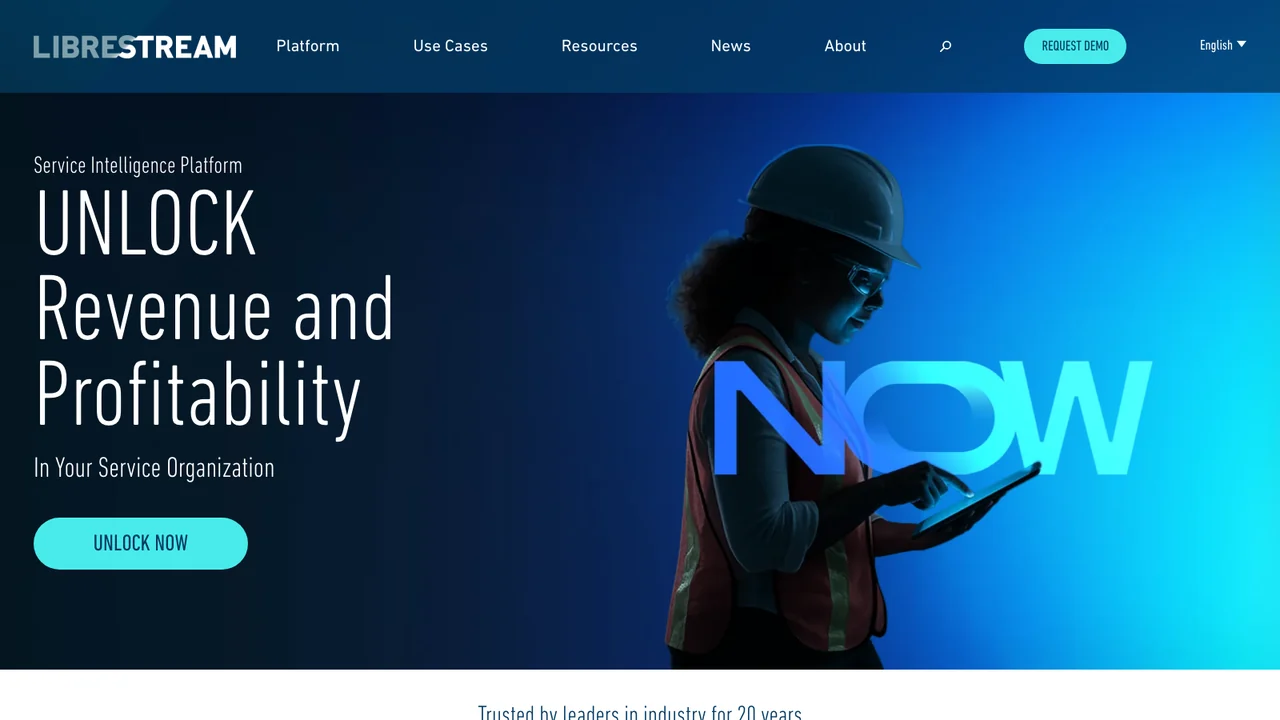
One thing to know before you shortlist from an older article. Librestream has repositioned. Its homepage now leads with a Service Intelligence Platform and AI knowledge capture rather than with remote expert video, and the product is Onsight NOW rather than Onsight alone. The remote expert capability is still there, inside a wider offer aimed at service revenue and knowledge retention. It publishes 20 years in the industry as a company claim. Best for aerospace, defense and heavy industry, particularly where a security review will decide the purchase.
3. XMReality
XMReality solves the problem the other three mostly leave to the buyer, which is that the person holding the camera is frequently not your employee.
Its flow is built for that. The expert sends a video call link by text message from a computer, the recipient taps it on a smartphone, and the company states there are no downloads, no apps and no signups needed. If you support customers, contractors or a dealer network, every step you remove from the far end is a call that actually happens.
It is also the only supplier here that publishes its prices. Basic is $35 per user per month billed yearly or $42 monthly, capped at five users. Professional is $68 per user per month yearly or $78 monthly, up to 20 users, adding call recordings, PDF reports, AI transcription and analysis, group calls, branding and Microsoft Teams and Outlook integrations with 10 GB of storage per user. Enterprise is a custom quote with unlimited users, single sign-on and API add-ons. Published pricing is rare in this category and it lets a buyer size a pilot without a sales call.
Sessions end with documentation already assembled: an AI generated transcript with topic tagging, plus video, images, notes and a call report. It runs on Windows and Mac desktop apps, on Android and iOS, and on smart glasses from RealWear and Vuzix. It publishes a defense section among its industries.
Its security page is specific enough to hand to a reviewer. The company states it is ISO 27001 certified, that the service is hosted on Amazon Web Services, and that live calls are end to end encrypted so the sending device encrypts the data and only the receiving participant's device can decrypt it. Organizations can choose to keep visual assets on Microsoft OneDrive or strictly on local device storage, though call notes and transcripts stay on XMReality managed infrastructure so they remain in the call history. That last detail is the kind of thing worth knowing before a data residency conversation rather than during one.
It is also a plausible landing place for teams leaving Microsoft's retiring products, because it publishes an integration that makes calls from inside a Dynamics workspace with documentation auto-attached to the record. Note the distinction carefully: Dynamics 365 Field Service is not being retired. Dynamics 365 Guides and Remote Assist are. Best for supporting customers, contractors and dealers who will never install anything.
Who else was considered, and where each fits
Microsoft Dynamics 365 Remote Assist is excluded because it is being retired, and this is the single most important thing to know before using an older shortlist. That date and the rest of Microsoft's mixed reality wind-down are recorded in The XR Graveyard. Microsoft's lifecycle announcement states that Dynamics 365 Guides and Remote Assist reach end of support on December 31, 2026, that subscriptions could be purchased or renewed only until November 1, 2025 and that after the end date the apps "will no longer be functional", with data retained in the Dataverse environment. Microsoft's product documentation adds that Remote Assist mobile was deprecated on March 25, 2025 and points some scenarios at spatial annotations in Microsoft Teams. BestInXR's HoloLens reference tracks these dates alongside the rest of Microsoft's mixed reality wind-down.
Guided work instruction platforms are excluded as a class, even though several of them also offer a call button. A procedure library and a live call solve different problems, and buying one expecting the other is the most common mistake in this category. BestInXR's AR work instruction list and its industrial AR list cover that side, including Kognitiv Spark, Taqtile and Scope AR.
General video conferencing is excluded. Screen sharing a phone camera is not the same product. Without anchored annotation, structured documentation and a device and identity model built for people outside your organization, what you have is a call that ends.
How to choose between these AR remote assistance companies
Start with who holds the camera. If it is your own technician on a managed device, every option here works and you should decide on the record and the integration. If it is a customer, a contractor or a dealer, the joining flow is the whole purchase, and XMReality is built around removing the install.
If the call has to produce something reusable, that is Help Lightning, which organizes the session into a thread and turns a working fix into a procedure.
If a security review will decide the outcome, Librestream publishes the most detail about infrastructure and testing cadence, and names the aerospace and defense customers to match.
If the network will not allow a third party session, or the capability has to live inside an application you already ship, no catalog product will clear it, and the work becomes a custom build.
Then ask all of them the two questions a demo never covers. What happens to the recording, the transcript and the annotations, in whose account, under which retention policy and exportable in what format. And what the price looks like at full deployment rather than at pilot, because per-seat pricing on a product whose value grows with coverage is the point where these programs usually stall. BestInXR's enterprise training guide sets out the license against build decision in general terms.
Frequently Asked Questions (FAQ)
1. What is AR remote assistance?
It is software that opens a live video session between someone in front of equipment and a remote expert, where the expert can draw annotations that stay anchored to the object as the camera moves. It is used in field service, manufacturing, maintenance and contact centers.
2. What is the difference between remote assistance and AR work instructions?
Remote assistance is a live call that solves one problem with a person on the other end, which addresses scarce expertise. Work instructions are an authored procedure a technician follows alone, which addresses inconsistent execution. Most organizations eventually need both, and they are separate purchases.
3. Is Microsoft Dynamics 365 Remote Assist still available?
It reaches end of support on December 31, 2026. Microsoft states the apps will no longer be functional after that date, that subscriptions could be renewed only until November 1, 2025 and that Remote Assist mobile was already deprecated in March 2025. Lists written earlier still recommend it.
4. How much does AR remote assistance software cost?
Most suppliers quote privately. XMReality publishes per-user pricing starting at $35 per user per month billed annually, rising to $68 for the tier that adds recording, AI transcription and integrations. Ask every supplier what the cost looks like at full deployment, not at pilot size.
5. Does AR remote assistance need a headset or smart glasses?
No. Most sessions run on an ordinary smartphone, which matters because the far end is often a customer or contractor. Smart glasses from suppliers such as RealWear and Vuzix are supported where the work needs both hands free.